






Robotaxi
Robotaxi combines our automated driving technology and renowned vehicle hardware design to create a personalized driverless experience that is reliable and convenient. With Robotaxi, you can get to your destination while also enjoying the comfort of an autonomous Tesla vehicle.
How Robotaxi Works
To get started, download the Robotaxi app for iOS or Android. Use your Tesla Account credentials to sign in. Create a Tesla Account if you don’t already have one before attempting to sign into the Robotaxi app.
Requesting Your Ride
To request a ride with Robotaxi, follow these steps:
- Open the Robotaxi app.
- Enter a destination within the displayed service area.
- Review the estimated ride fare and wait time and confirm your ride.
- Once confirmed, you will receive a notification that your vehicle is on its way.
Starting Your Ride
Make sure to wait for the vehicle at the designated pickup location. We will notify you through the Robotaxi app once the vehicle is nearby.
Once your vehicle has arrived, follow these steps:
- Locate the vehicle and make sure the license plate matches that of the vehicle listed in the Robotaxi app.
- Open the door, enter the vehicle, close the door and fasten your seatbelt.
- To start the ride, tap ‘Start Ride’ on your vehicle’s touchscreen or in the Robotaxi app.
Note: Your vehicle will wait at the pickup location for seven minutes. If you have not arrived at the pickup location within this time, your ride may be canceled.
During Your Ride
Personalize your Robotaxi experience with different vehicle features that are available to you. Robotaxi allows you to adjust climate settings and seat positioning, stream music and more from the Robotaxi app and the vehicle’s touchscreen. Your climate and media settings are saved in your passenger profile and automatically carry over between rides.
Critical ride information will be available for you on the Robotaxi app and the vehicle’s touchscreen, from monitoring your trip progress to requesting support during your ride. We also will ensure you always have the ability to request the ride to pull over or stop if needed.
Ending Your Ride
Once you have arrived at your destination, gather your belongings, exit the vehicle, close all doors and provide feedback on your experience in the Robotaxi app.
Robotaxi Terms and Conditions
Robotaxi is supported by essential guidelines and policies to enhance your experience. Review our Robotaxi Terms of Service, Rider Rules, Privacy Notice, Non-Discrimination Policy and Service Animal Policy to understand how we ensure a safe journey for all riders.
Frequently Asked Questions
General
Where is Robotaxi available?
Currently, we provide service in limited areas of Miami, Orlando and Tampa, Florida and Austin, Dallas, and Houston, Texas. When you enter your destination in the Robotaxi app, you will also see a visual map of where Robotaxi service is provided based on your location. Sign up to be notified when Robotaxi is available in your area.
What hours does Robotaxi operate?
Operating hours may vary by area. If it is currently outside your area’s operating hours for Robotaxi, you will not be able to request a ride.
How much does a Robotaxi ride cost?
The price estimate will be displayed in the Robotaxi app before you confirm your ride. We want Robotaxi pricing to be simple and easy for you to understand. Initially, as part of our introductory program, we will charge a simple, affordable rate plus applicable taxes and fees for all rides within the available service area.
Pricing is subject to change.
What kind of vehicle will I ride in?
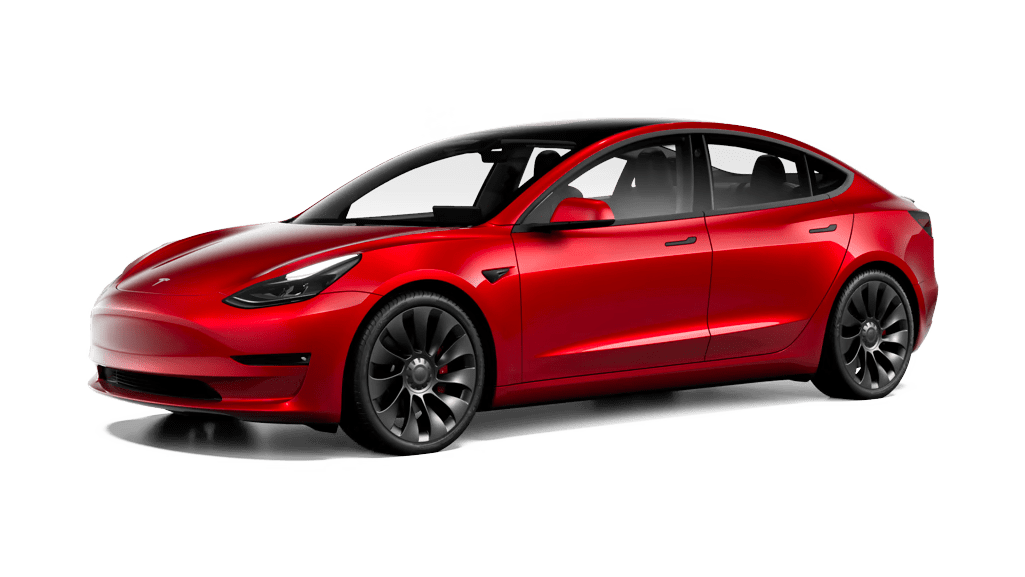
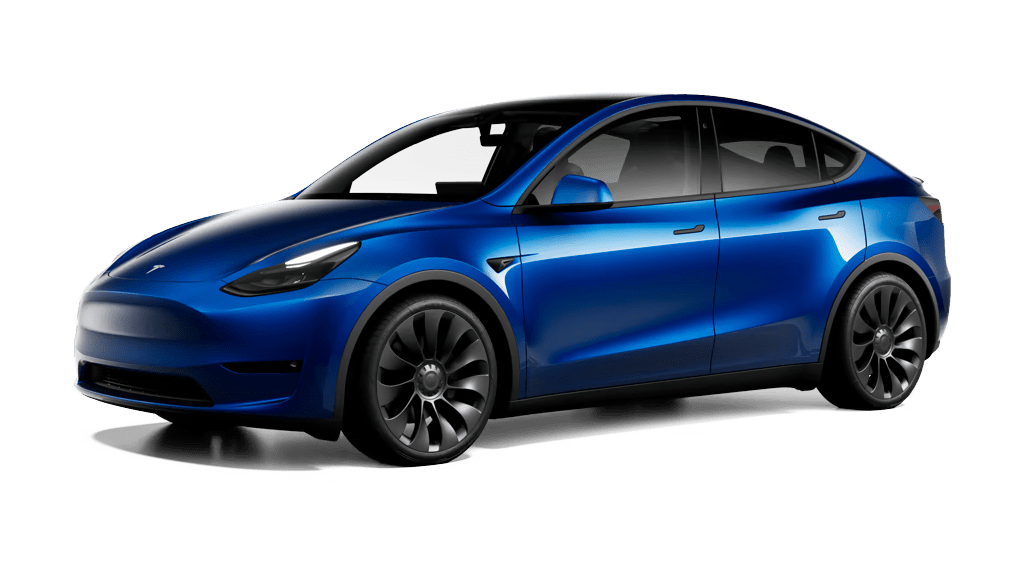
Our fleet consists of Model Y and Cybercab vehicles. Riders are prohibited from sitting in the front-left seat, which is typically a driver’s customary seating position.
Learn more about Cybercab vehicles.
When ordering a ride, can I choose between a Cybercab and Model Y Robotaxi vehicle?
Initially, the vehicle assigned for your Robotaxi ride will be based on what is available and the number of riders in your group.
What kind of features will be available during my Robotaxi ride?
Tesla vehicles are designed to provide comfort and convenience throughout your entire trip. You can adjust your preferred climate settings, seat position and more from the Robotaxi app. During your ride, you also can enjoy different entertainment features, such as music streaming, by using the vehicle’s touchscreen or the Robotaxi app.
Your climate and media settings are saved in your passenger profile and automatically carry over between rides.
Accessibility
Can I order a ride for someone else?
No. You can only book rides for yourself.
Can I book a ride without a mobile device?
No. You must use the Robotaxi app to book a ride.
How do I cancel a ride?
Rides can be canceled by tapping ‘Cancel Ride’ in the Robotaxi app or from the vehicle’s touchscreen.
Are children and infants allowed to ride?
For Model Y Robotaxi vehicles, minors aged 8-17 are permitted to ride if accompanied by an adult. Guests under the age of 8 are not permitted to ride in a Model Y Robotaxi vehicle.
For Cybercab vehicles, minors aged 13-17 are permitted to ride if accompanied by an adult. Guests under the age of 13 are not permitted to ride in a Cybercab vehicle.
Review our Robotaxi Terms of Service and Rider Rules for more information.
Are pets allowed to ride?
No. Pets may not ride in a Robotaxi. However, disabled riders are permitted to bring service animals on their Robotaxi ride. For more information, review our Service Animal policy.
What are the vehicle dimensions of a Model Y Robotaxi vehicle?
Every Model Y Robotaxi vehicle meets the dimensions as outlined below:
Exterior Dimensions
- Step-in Height: 17 inches
- Ground Clearance: 6.6 inches
Interior Dimensions
- Head Room: 39.4 inches
- Leg Room: 40.5 inches
- Shoulder Room: 53.2 inches
- Hip Room: 50.5 inches
Cargo Volume
- Rear Trunk: 29 cubic feet without second row seats folded
Does Robotaxi offer wheelchair-accessible vehicle (WAV) rides?
You can access WAV providers of each city from the home screen of the Robotaxi app. We are actively developing accessible ride options tailored to the Robotaxi fleet to enhance our inclusive transportation solutions for all passengers.
Is the Robotaxi app compatible with a screen reader?
Yes. You can book a ride, locate your Robotaxi vehicle and adjust climate controls and other functions during your ride using a screen reader.
Is the Robotaxi app available in multiple languages?
Yes. The Robotaxi app supports multiple languages to accommodate riders, including Spanish, French and Portuguese. Review the full list of available languages for the Robotaxi app.
Supported Languages
- English
- Arabic
- Czech
- Danish
- German
- British English
- Spanish
- Finnish
- French
- Canadian French
- Croatian
- Hungarian
- Icelandic
- Italian
- Japanese
- Korean
- Norwegian
- Dutch
- Polish
- Portuguese
- Romanian
- Slovenian
- Swedish
- Thai
- Turkish
- Simplified Chinese
- Taiwanese
- Traditional Chinese
Note: Currently, you cannot change the language from the Robotaxi app. The language displayed in the Robotaxi app will automatically match the language configured in your mobile device, if available.
Support
What if I need to stop my ride before ending the trip or in case of an emergency?
Tap ‘Pull Over’ on the vehicle’s touchscreen or in your Robotaxi app. Your vehicle will stop at the nearest and safest location. You can then expect to be called by our Customer Support team from the vehicle’s touchscreen. You may speak with the representative using the internal cabin microphone and speakers.
I left an item in the vehicle. How can I recover my lost item?
To recover a lost item, fill out the Lost Item Report form in the Robotaxi app. Once the form is complete, Tesla will contact you if we have found the lost item and organize a pickup process. You can find the form in the Robotaxi app by following these steps:
- Open the Robotaxi app.
- Tap the menu in the top-right corner.
- Tap ‘Ride History.’
- Select the ride where you have lost an item.
- Tap ‘Start Lost Item Report.’
- If you have left an item in the vehicle, we recommend filling out the form as soon as possible. If found, lost items are only stored for 10 days.
Note: Tesla is not responsible for items left in the vehicle after your trip ends. While we will make every effort to reunite you with your lost item(s), we cannot guarantee the item(s) will be found or returned to you, or that they will be returned undamaged. Tesla will not reimburse or otherwise compensate you for any lost or damaged item(s).
What if I need to speak with someone during my ride for assistance?
Tap ‘Support’ on the vehicle’s touchscreen or in your Robotaxi app. Our Customer Support team will immediately connect with you from the vehicle’s touchscreen. You may speak with the representative using the internal cabin microphone and speakers. For additional support during your ride, contact the Customer Support team at (877) 798-3752.
Can I reroute my destination during my ride?
Yes. To reroute your destination, follow these steps:
- Open the Robotaxi app.
- Tap on the current destination of your trip and tap ‘Edit.’
- Enter and confirm your new destination details.
Can I add additional stops to my route?
No. At this time, you cannot add additional stops to your route.